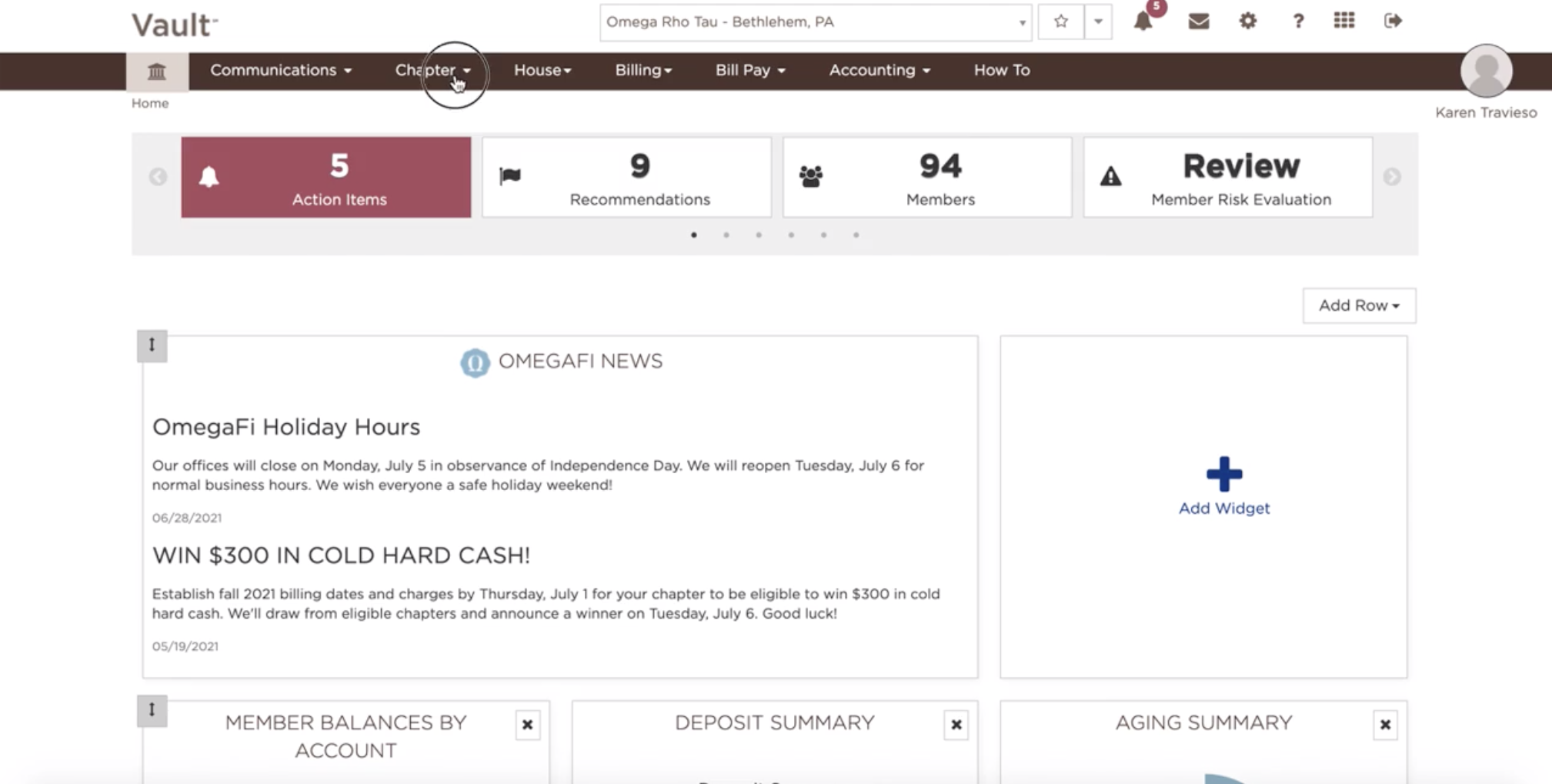
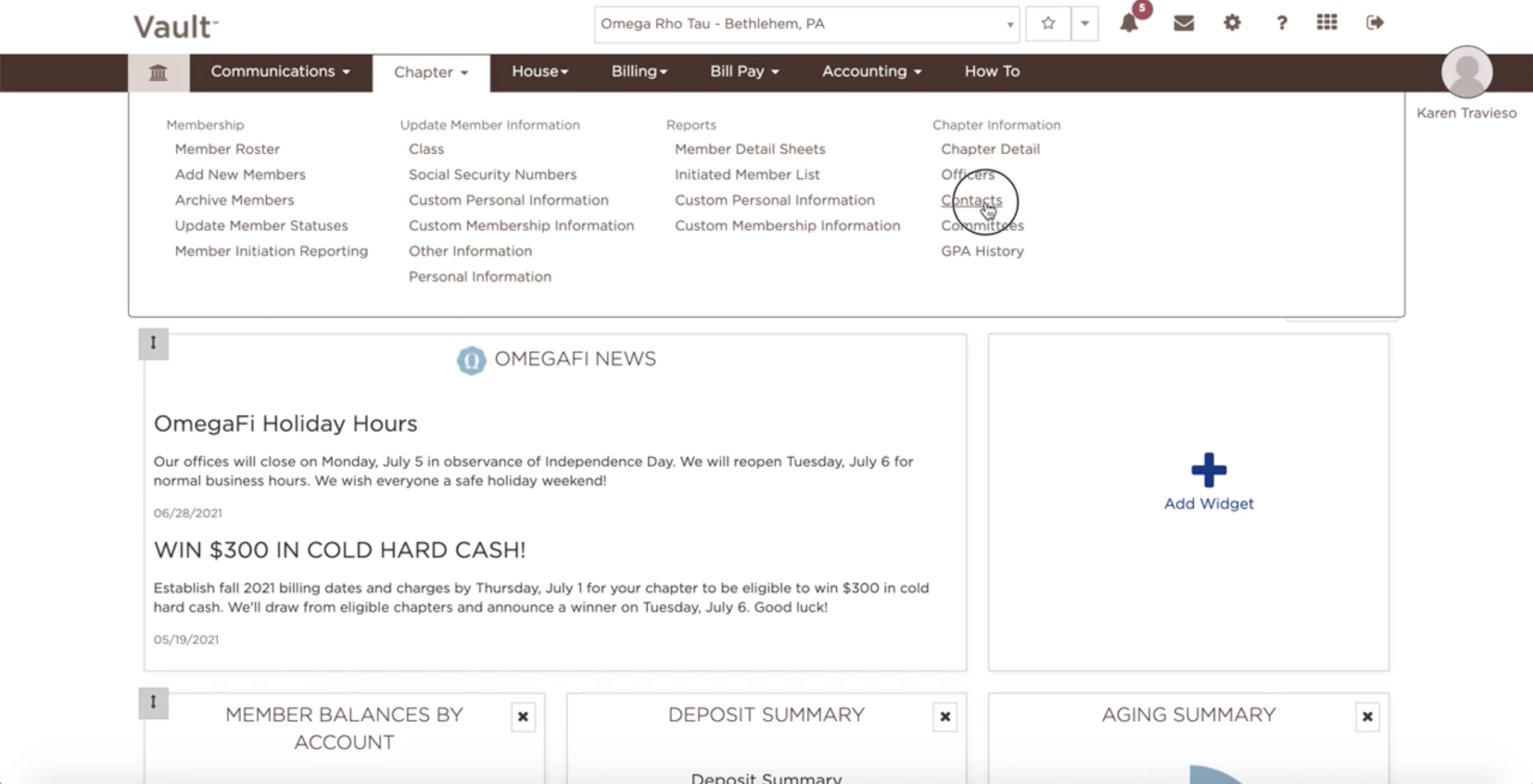
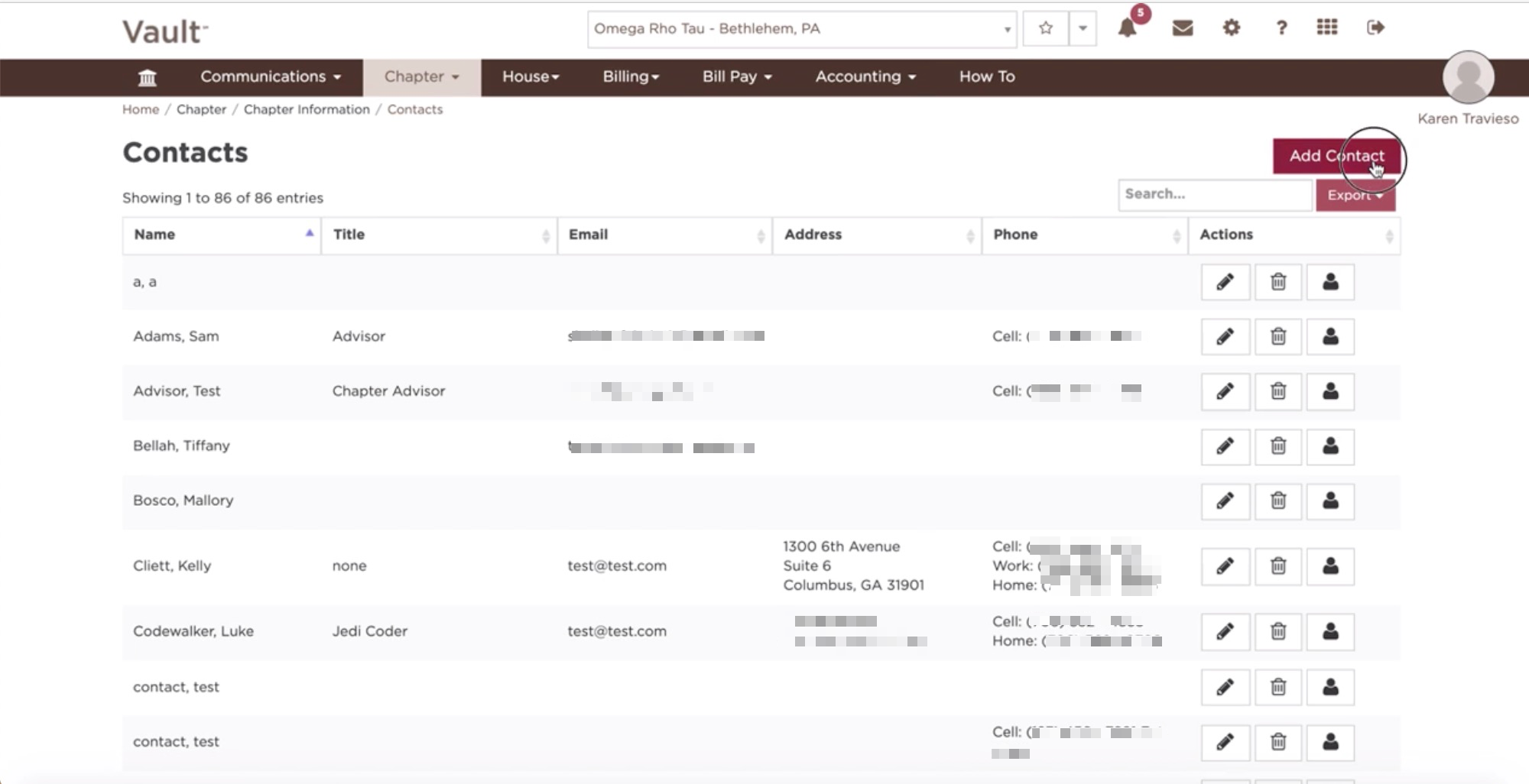
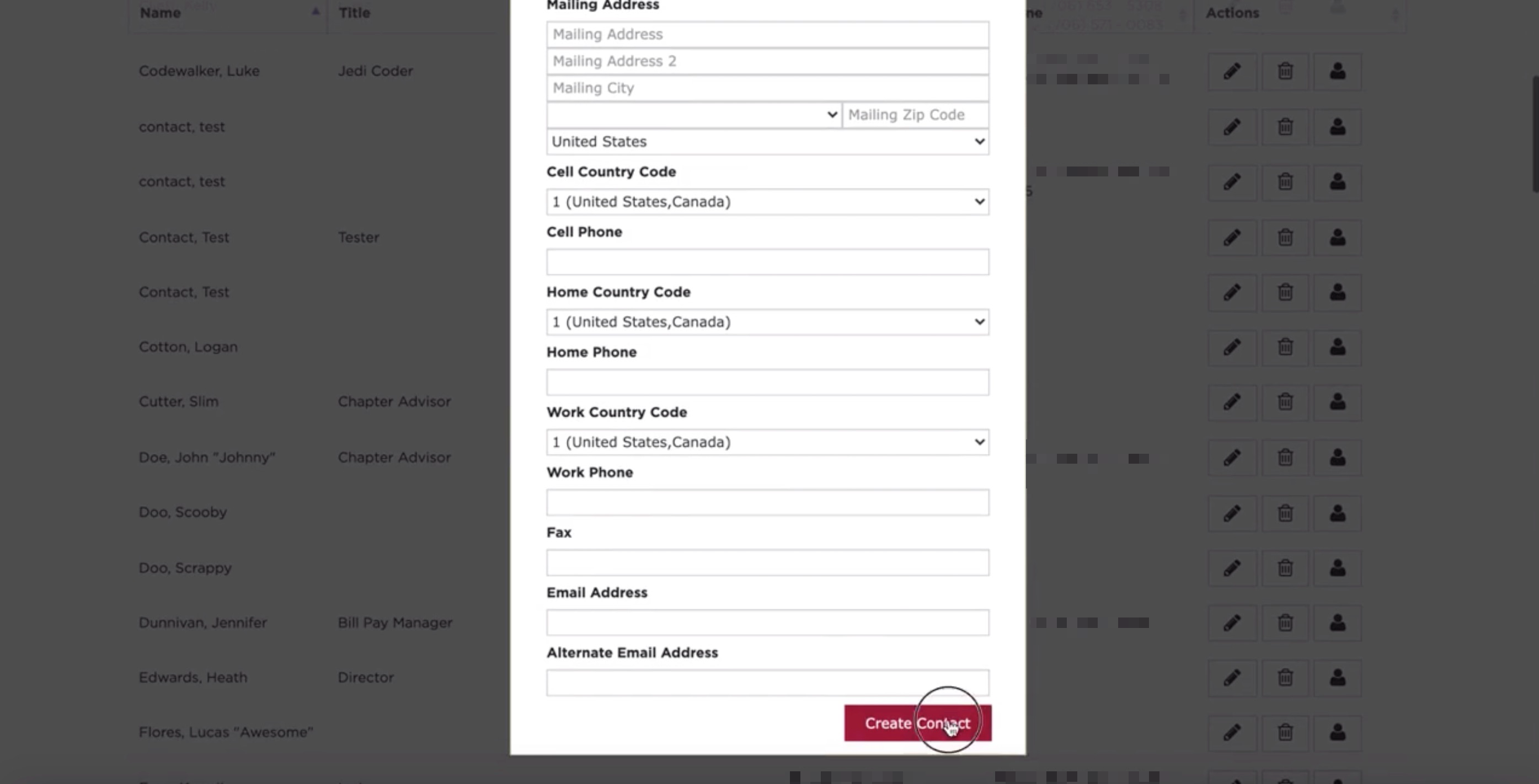
How do you add a contact? December 01, 2021 17:16 Updated To add a contact, follow these few easy steps: Click on the "Chapter" tab Select Contact Select Add Contact Fill in the required fields Click Create Contact See also: How do I add, modify or remove Vault access? How can I edit contacts? How can I delete contacts? Related articles Billing Cycle Setup How do I add, modify or remove Vault access? How do I review and update Bill Pay access and permissions? How does Member Initiation Reporting work? Why don't I have the option to add Members/New Members to Vault?