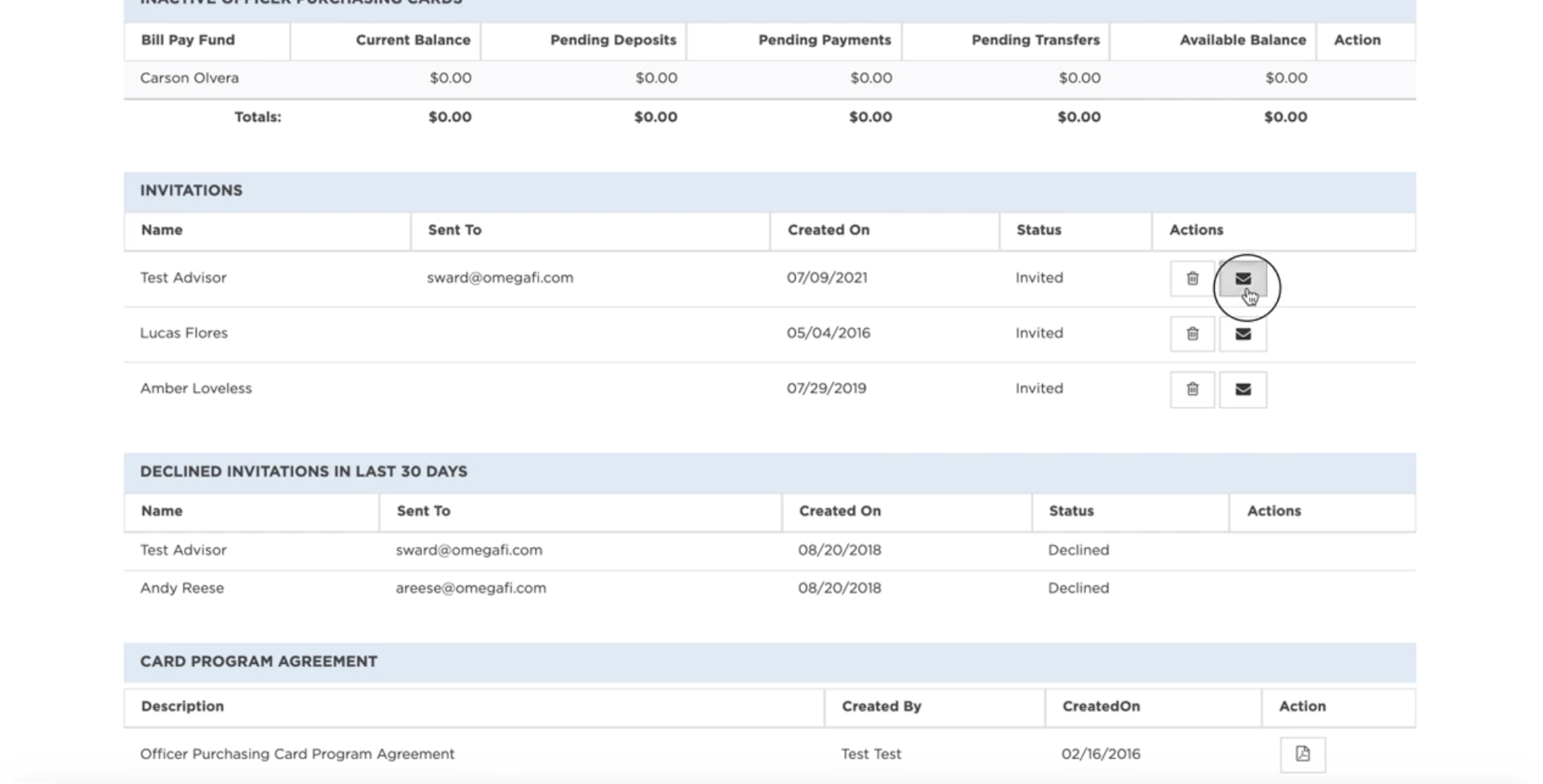
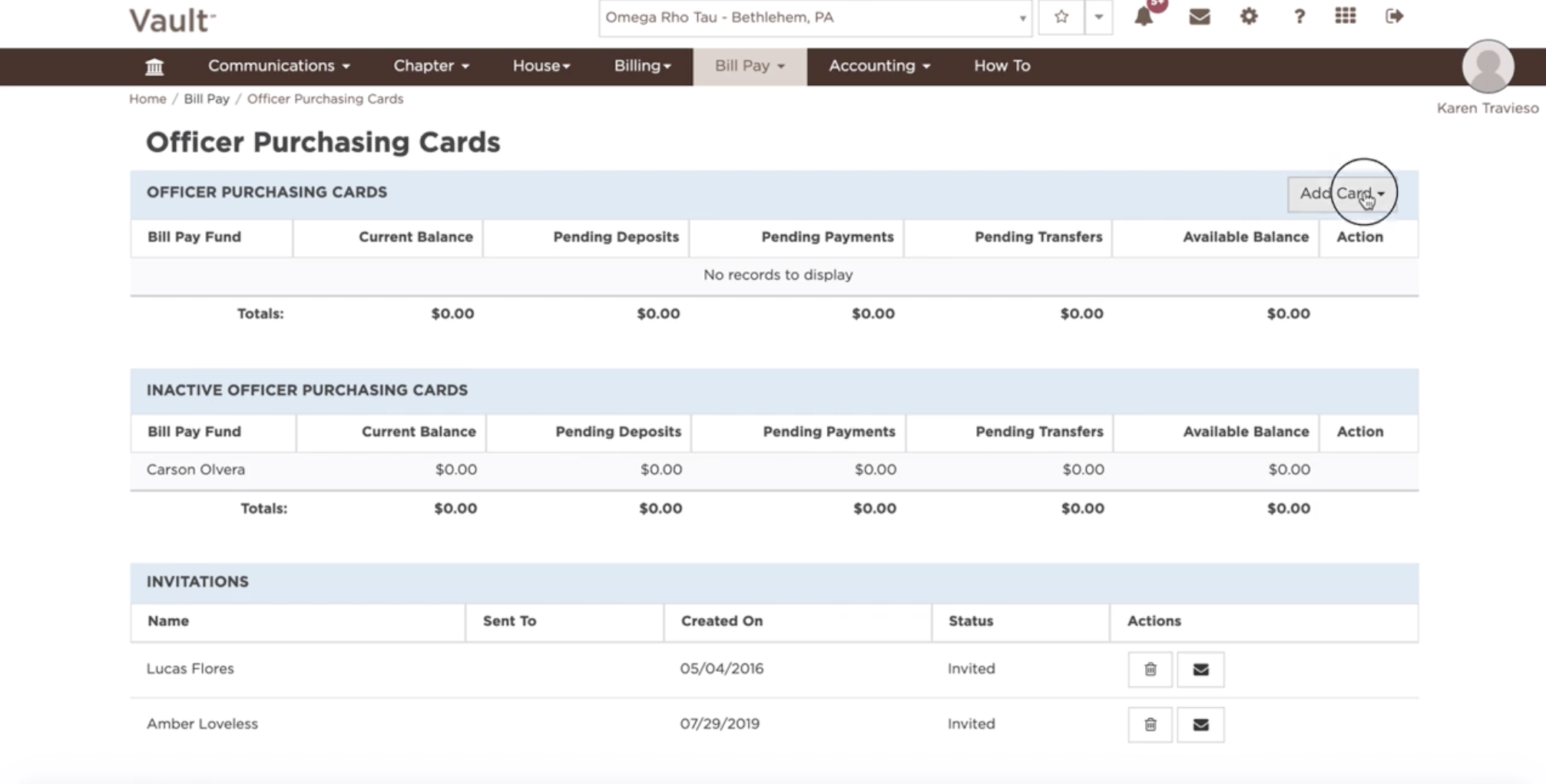
All active Officer Purchasing Cards, Invitations, Declined Invitations and Card Program Agreements are listed here. Follow these steps in order to access them:
- Click on "Bill Pay"
- Select "Officer Purchasing Cards"
- Select 'Add Card' to prompt an invitation for enrollment to a new cardholder.
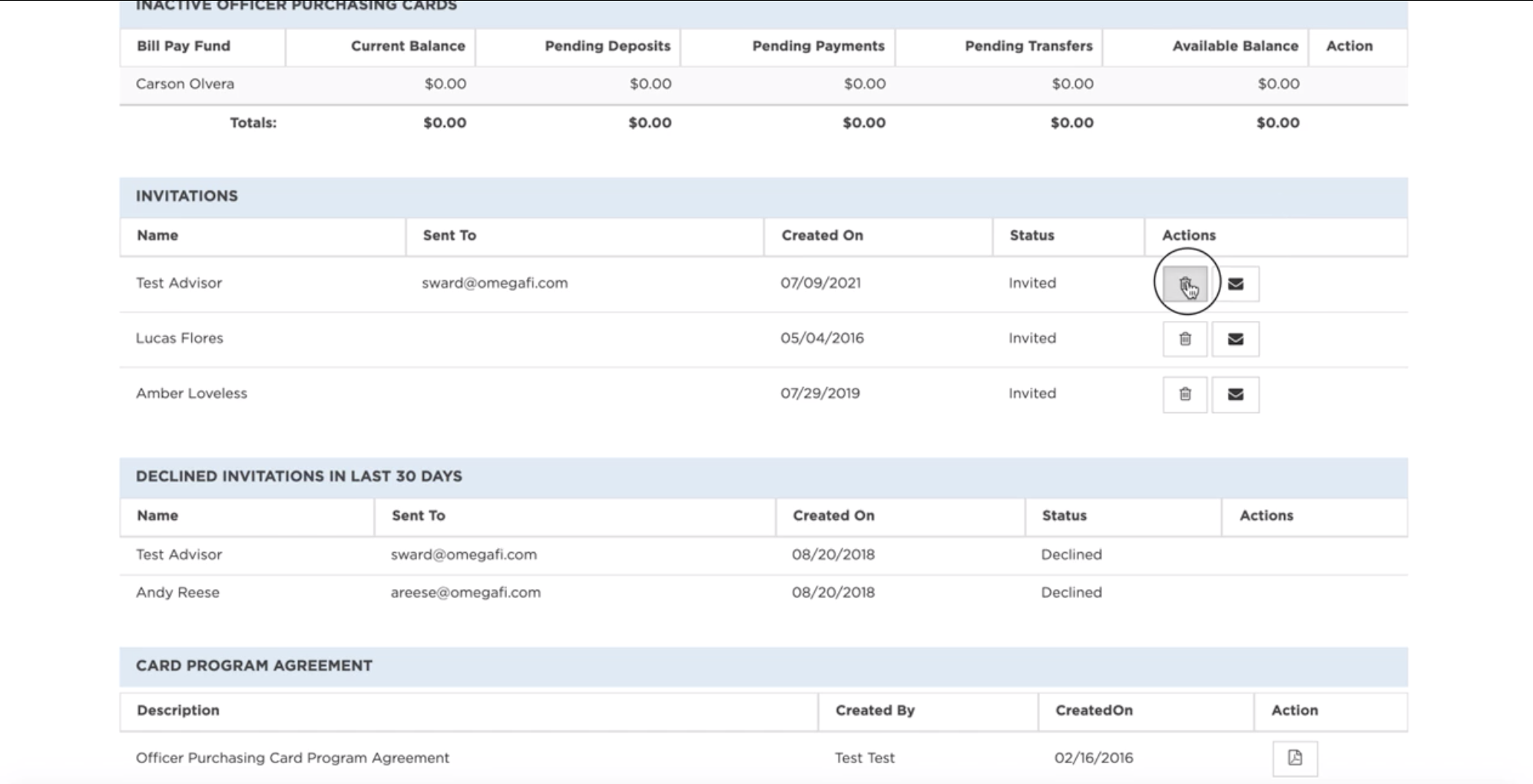
- Select the Trashcan icon to delete a card invitation.
- Select the Mail icon to resend a card invitation.