To transfer funds on or off an Officer Purchasing Card, go to the Bill Pay menu > Officer Purchasing Cards. Then, select the '$' dollar sign to the right of a card's available balance.
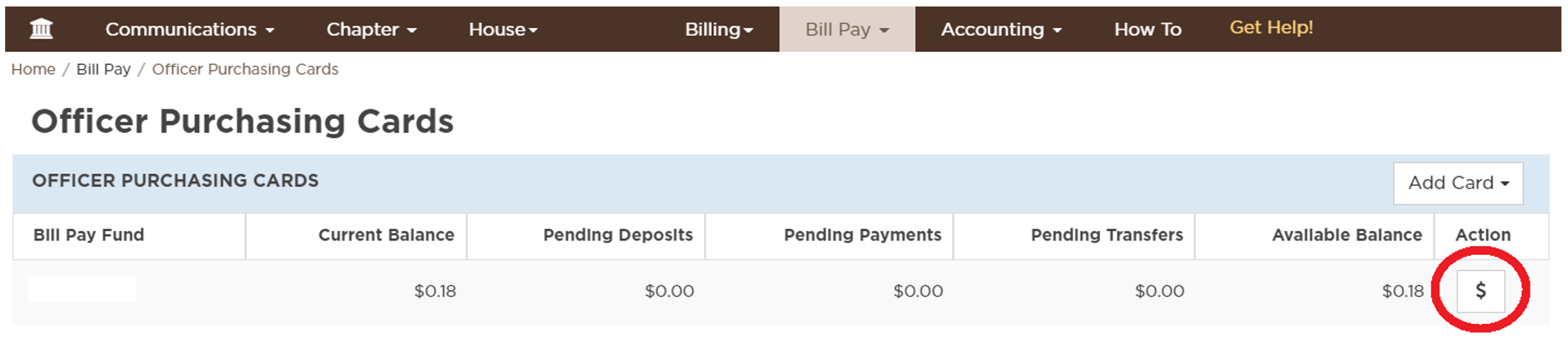
You will then see a window to initiate a one-time transfer of funds from the primary Bill Pay fund to the card, or vise versa.