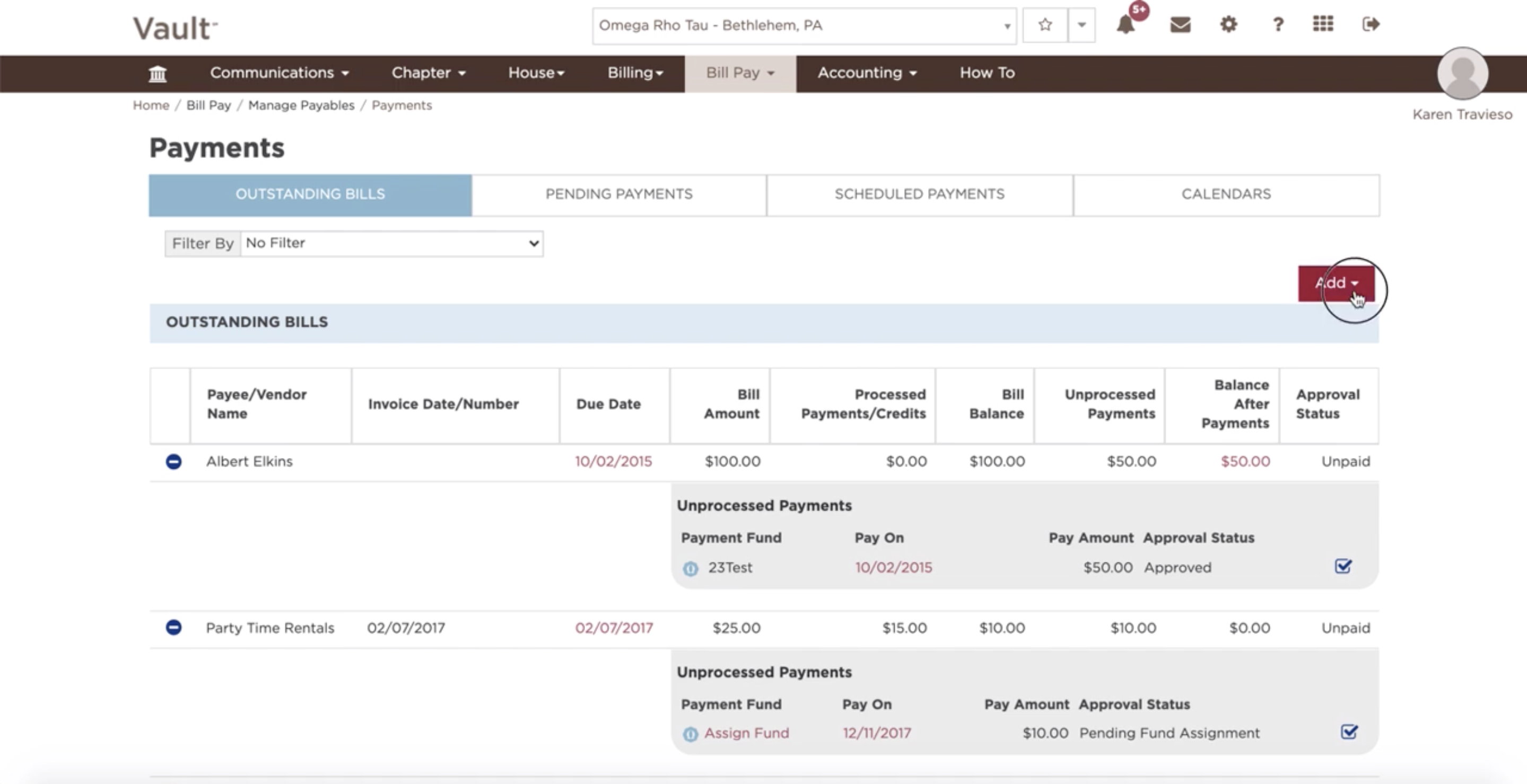
In order to edit/add an outstanding bill, follow these few easy steps:
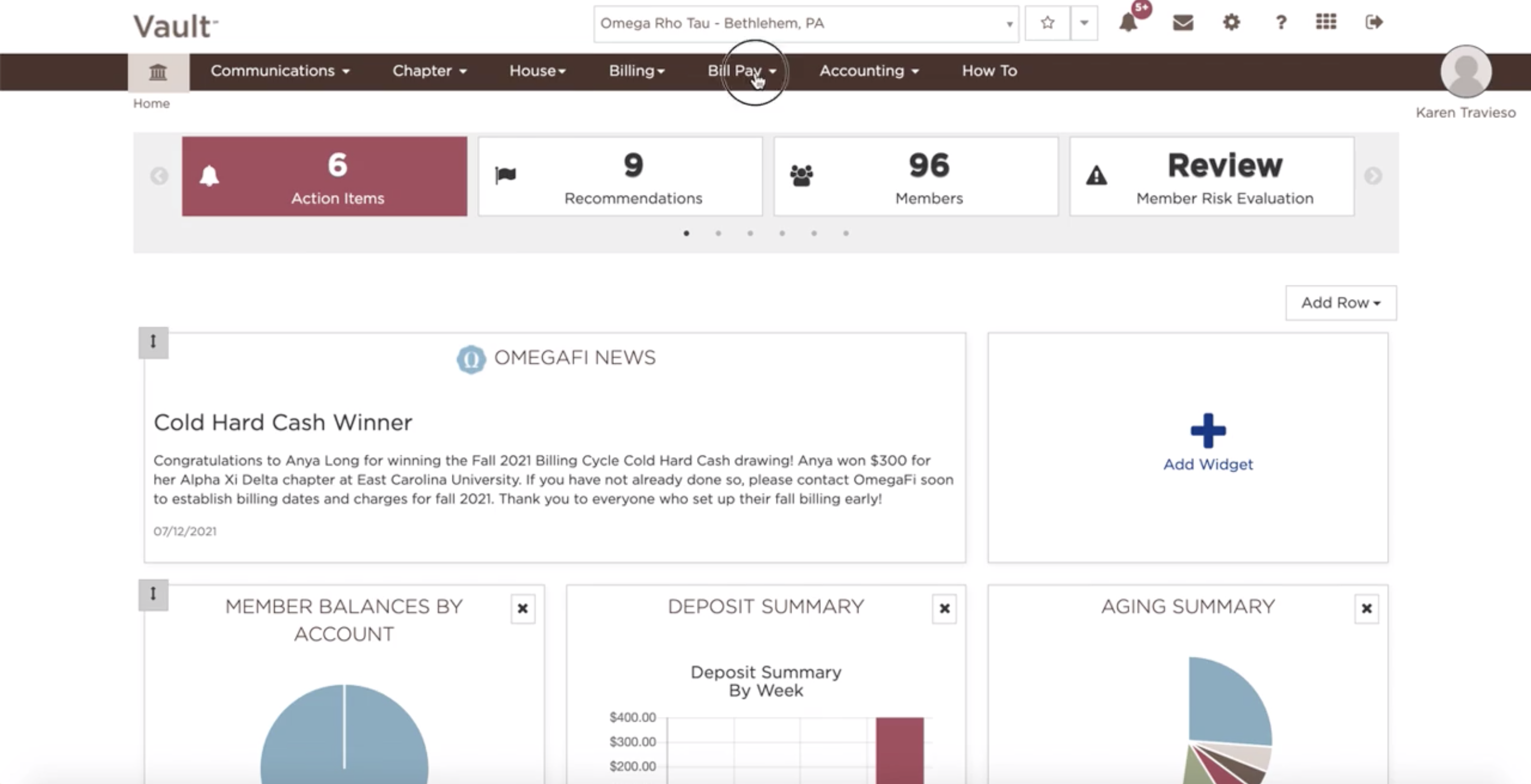
- Click on the Bill Pay tab
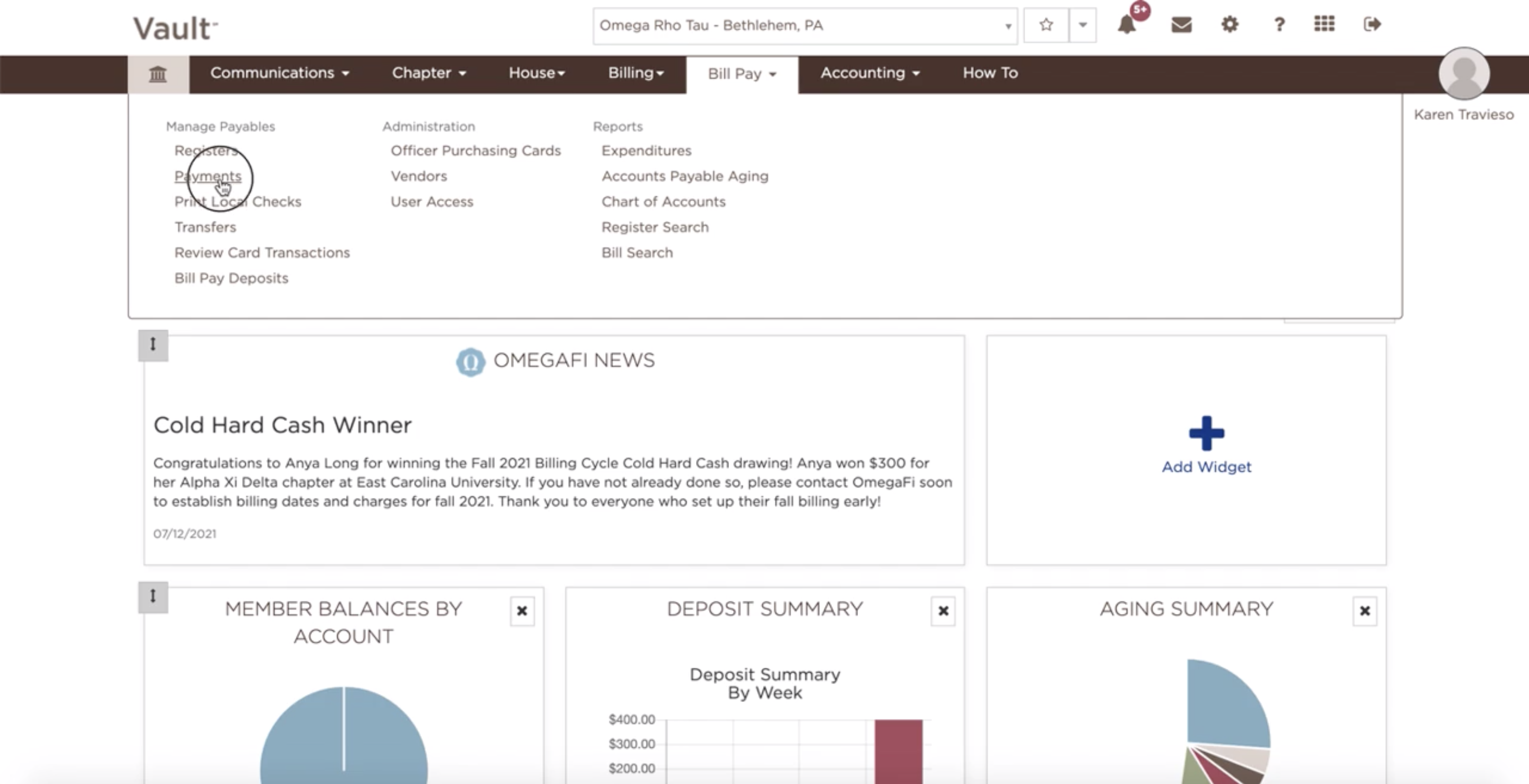
- Select Payments
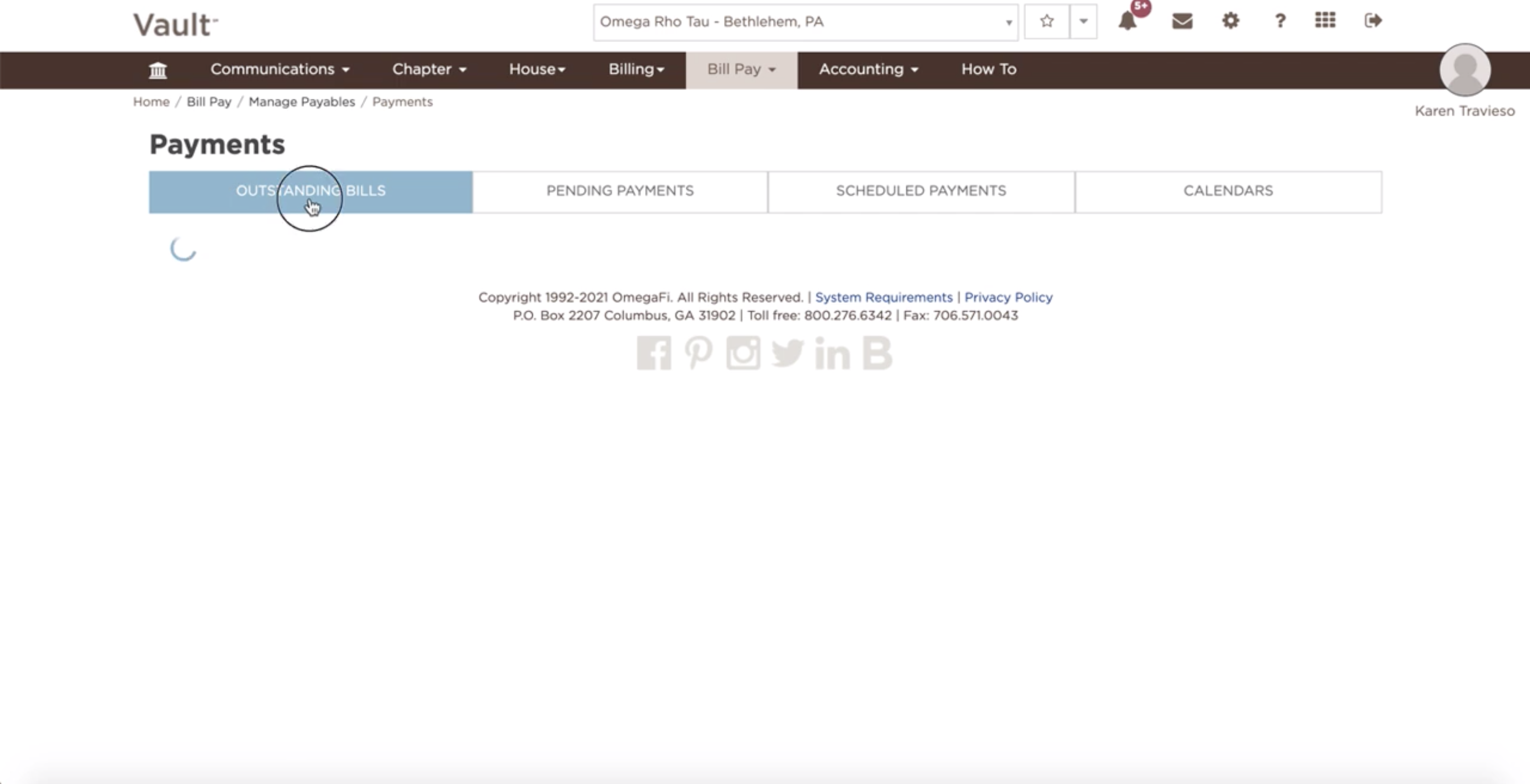
- Click on Outstanding Bills
- View unpaid bills.
- Click on the desired bill to view more detailed information and edit the bill if need be
- To filter the list: Select criteria in the drop-down menu at top of the page.

- To filter the list: Select criteria in the drop-down menu at top of the page.
-
- To authorize payment: Select the box in the bottom right corner of an outstanding bill.
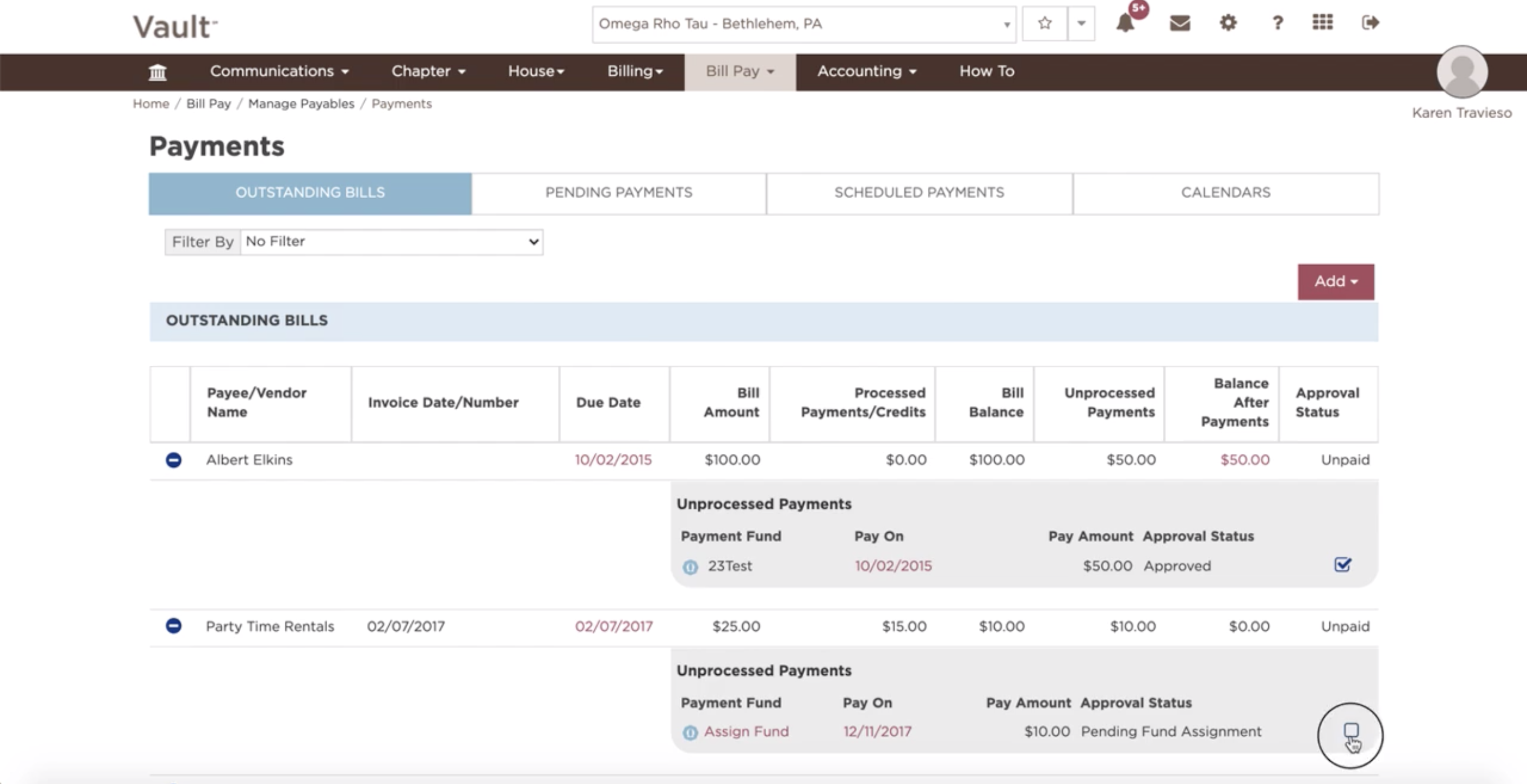
- To authorize payment: Select the box in the bottom right corner of an outstanding bill.
-
- Select the plus or minus sign next to an outstanding bill to expand or collapse the bill information.
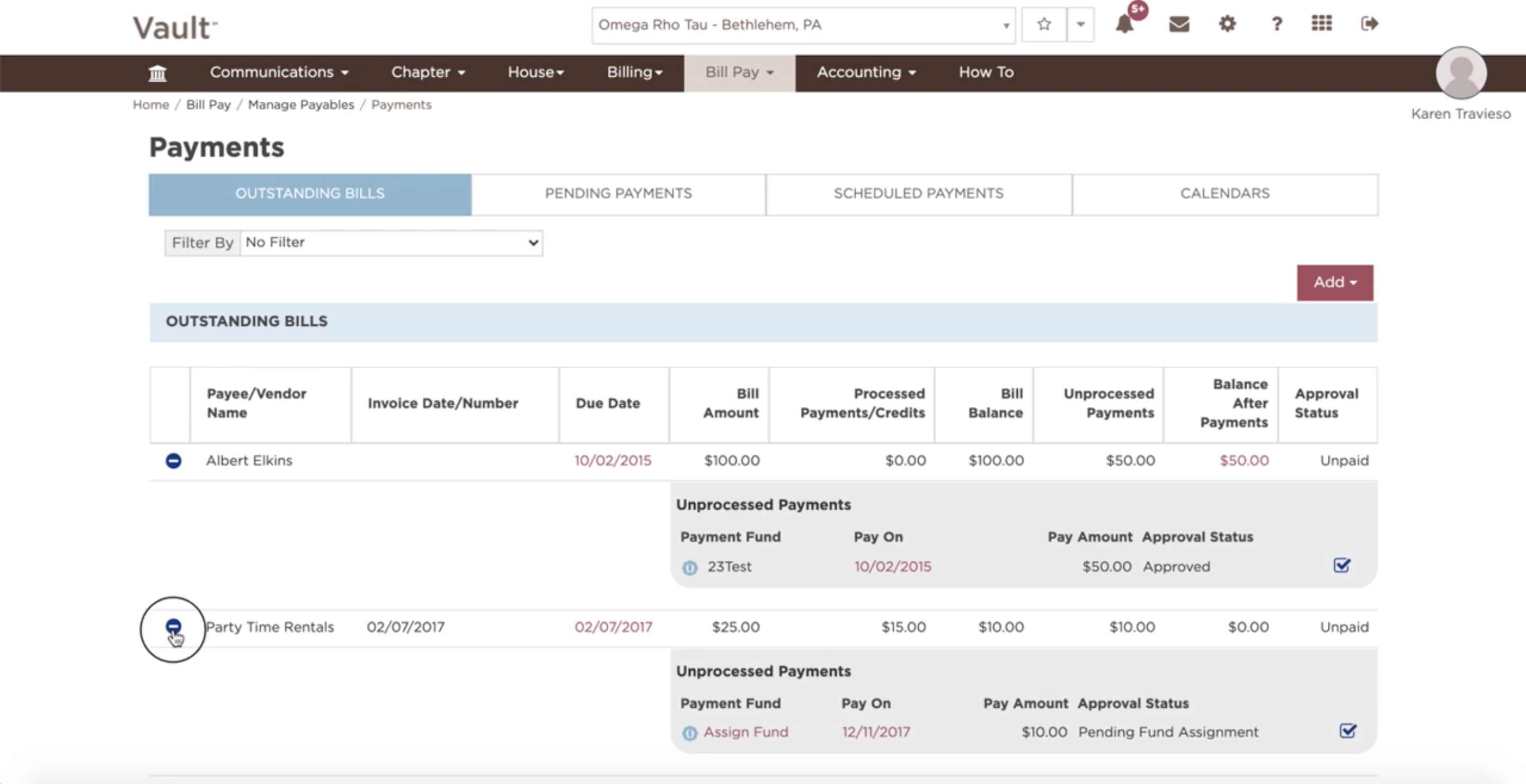
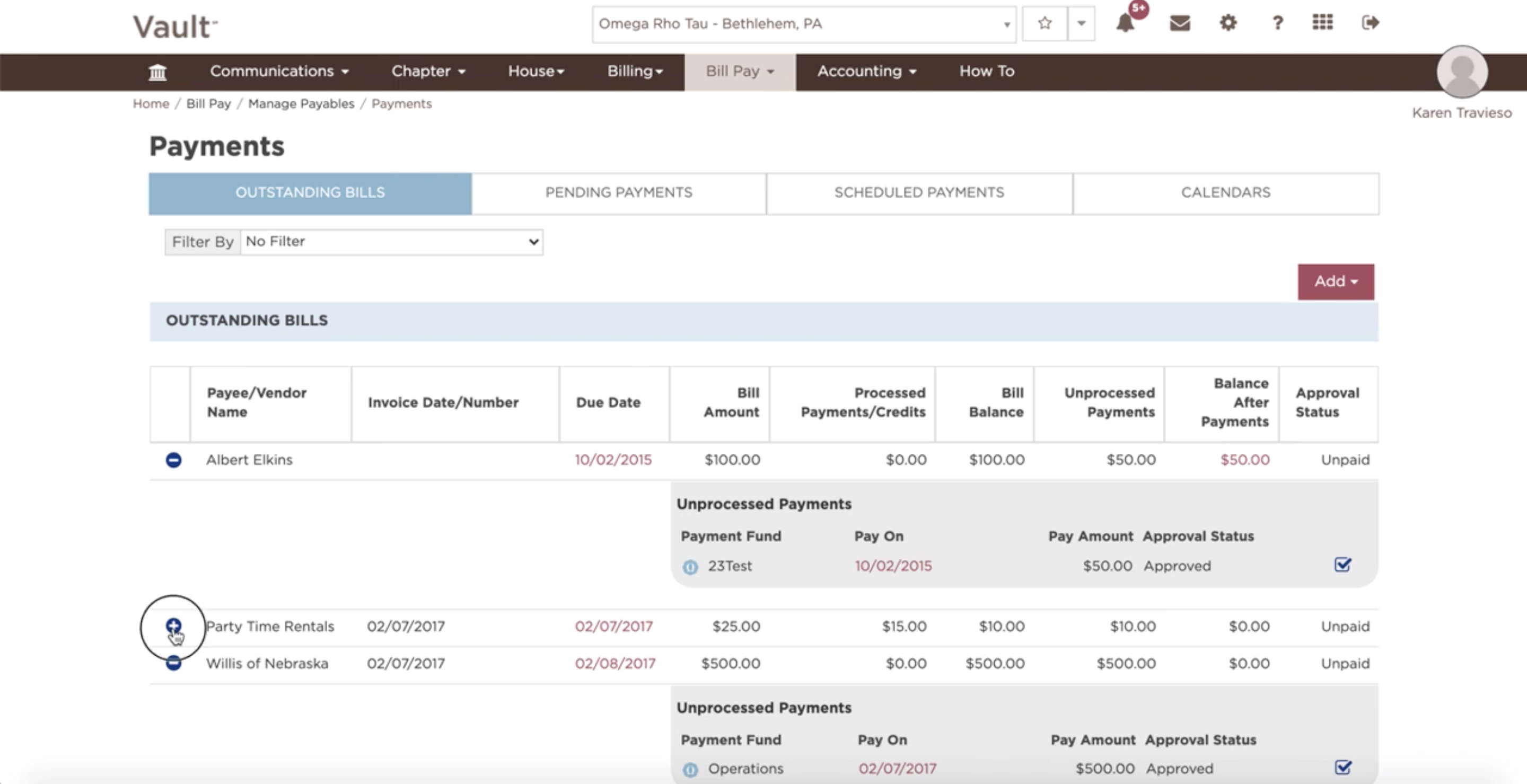
-
- Select ‘Add’ to add a Bill, Scheduled Payment, Refund, or Reimbursement.