To add the same transaction to multiple members, follow these few easy steps:
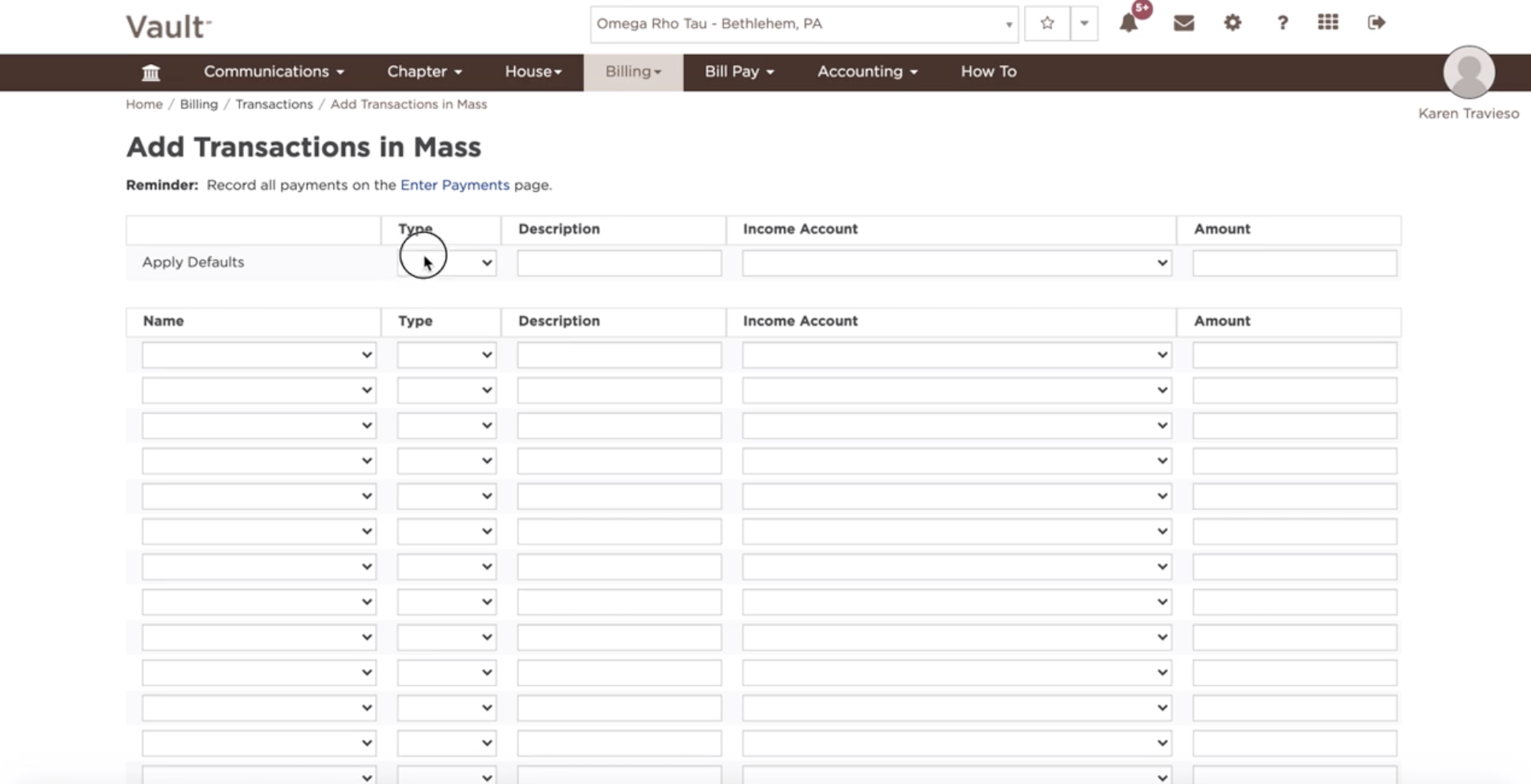
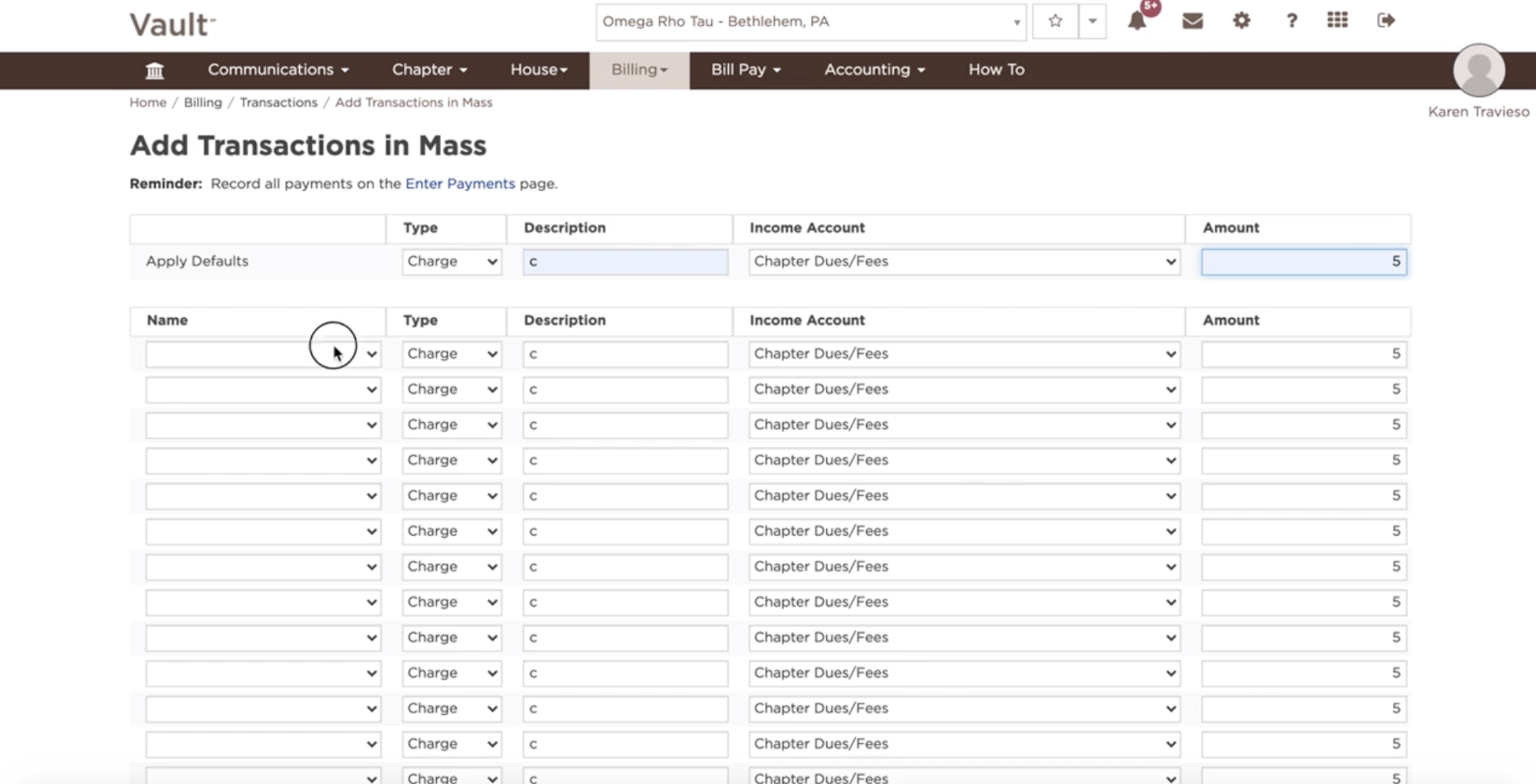
- Select the transaction defaults at the top of the page to include a transaction type, income account and amount.
- Select the desired members
- Click the Create Transactions button.
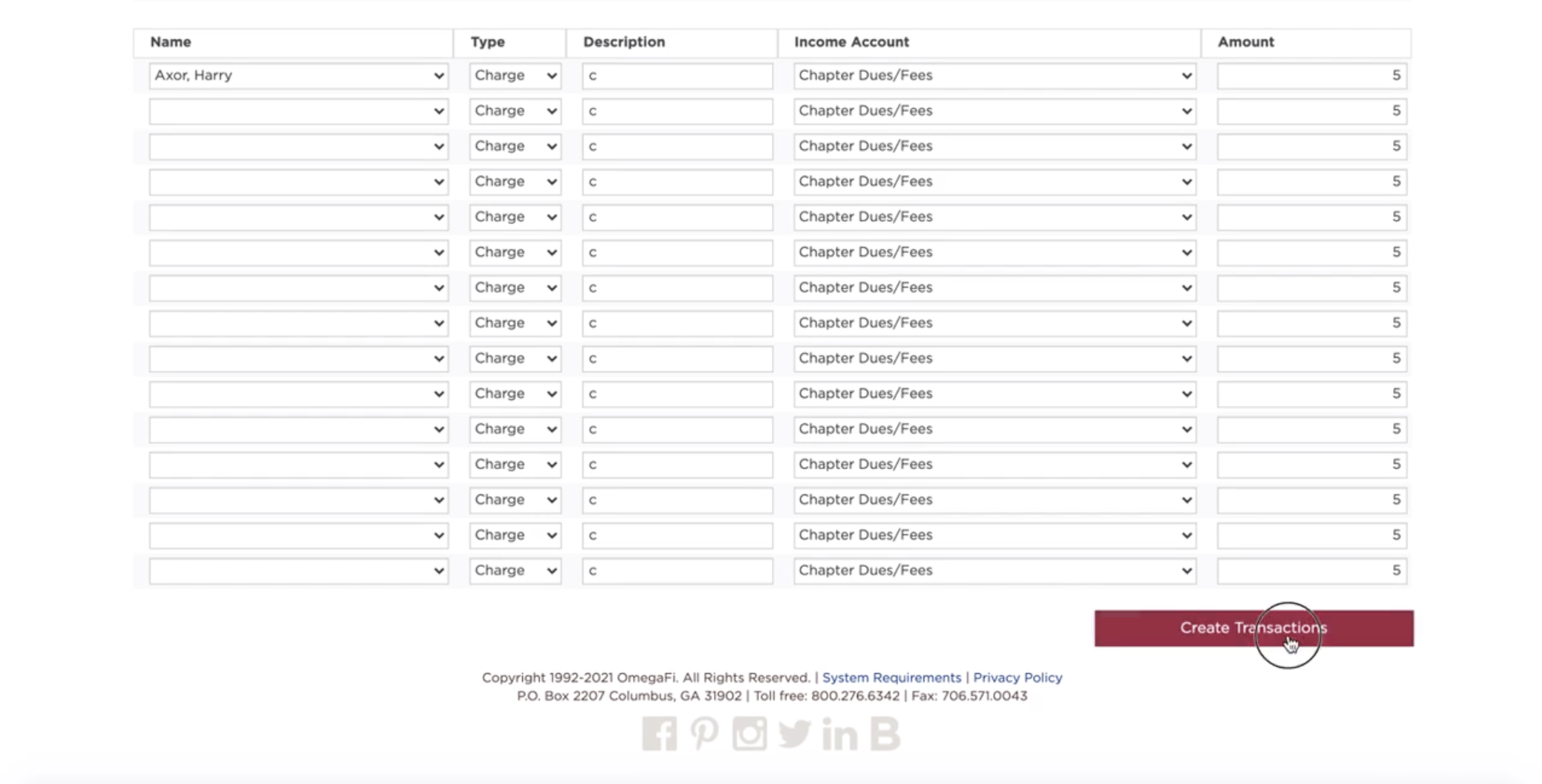
*Once you create transactions, they are in a status of Pending. Pending transactions post daily at approximately 3:45 a.m. ET. Chapter-created pending transactions are editable until the transaction posts to members' accounts